Keep the roles separate
One person in each upload helps the model follow the correct identity when the viewpoint changes.
 hotel lobbyAIEnglish
TWO PHOTOS · BALCONY REVEAL
Cast one person at the balcony and another on the dance floor. Two separate portraits, a built-in reference and an editable prompt get your scene ready.
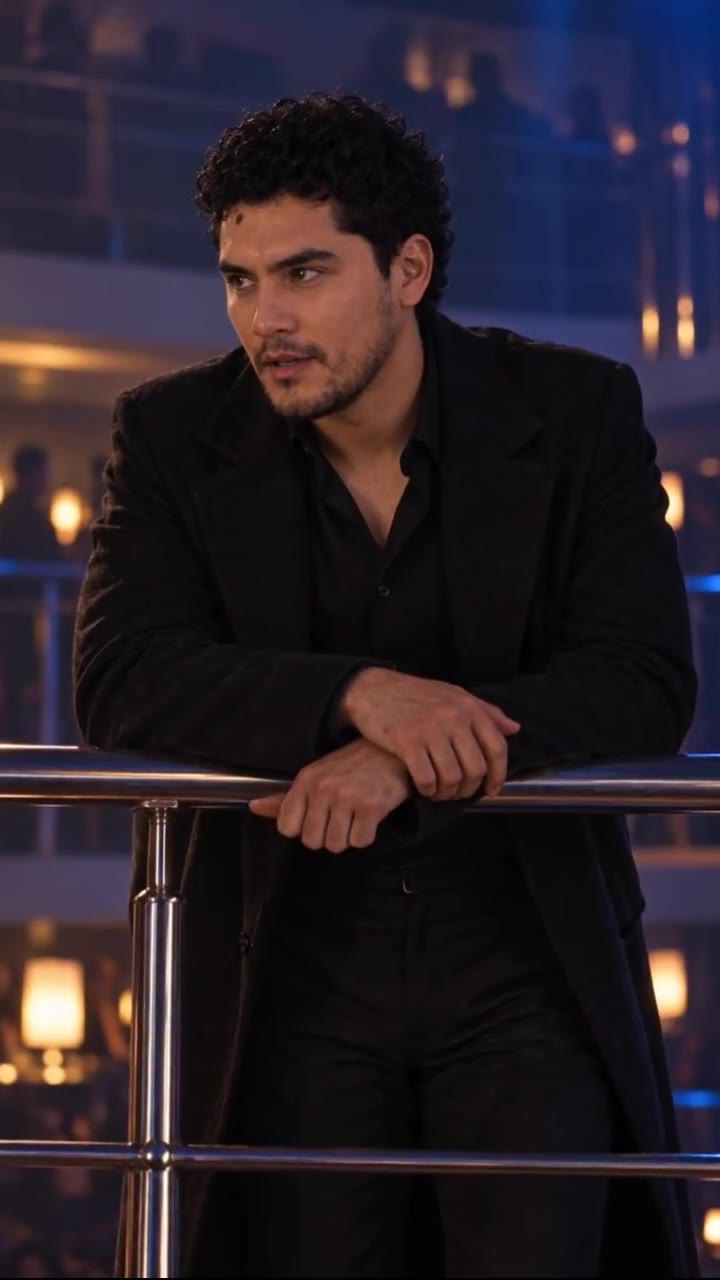
Photo 1 replaces the dark-haired person in the black suit at the upstairs railing. Photo 2 replaces the dark-haired person in black on the dance floor. Keep the other partygoers unchanged. JPG / PNG · 10 MB each.
Say what to change, what Image 1 or Image 2 supplies, and what to preserve from Video 1.
AI motion and generated audio may differ from the reference.
JPG / PNG · 300–6000 px per side. New model option; results may vary.
15s output · 14s reference · entry quality for each model
Cost comparison only. Output quality and identity consistency are not guaranteed; choose your final settings below.
Use existing credits or buy a one-time pack. No subscription.
Buying credits does not start generation. Confirm here when you are ready. Confirmed failures return credits.
Your uploads and prompt are processed by an AI service. Use only material you have permission to use. Privacy & retention
THE TREND
This Tormenta de Arena template follows a glance from an upstairs balcony down to a crowded dance floor. The camera moves from the dark-suited observer to the person below, ending on a closer view. The Spanish phrase means “sandstorm,” but this preset follows the party reveal shown in the preview, not a desert or weather effect.
Photo 1 replaces the dark-haired person in the black suit at the upstairs railing. Use a single portrait with a clear face.
Photo 2 replaces the dark-haired person in black among the crowd. The remaining partygoers stay in the background.
Original asks to preserve the balcony-to-floor sequence and gestures. Variant keeps the setting and your pair while asking for different actions and new audio.
One person in each upload helps the model follow the correct identity when the viewpoint changes.
The reference moves between different camera distances. A face that looks right upstairs can still drift in the final close-up.
The default 15-second output uses a 14-second reference. A 5-second output has less time for the two-role reveal and may compress or omit parts.
Two individual portraits: Photo 1 for the balcony observer and Photo 2 for the person on the dance floor. Do not upload the same group picture twice.
No. This page targets the balcony and dance-floor AI trend. Watch the exact party reference before generating; there is no desert or sand effect in this preset.
No. A 14-second reference is already loaded. The output defaults to 15 seconds at 480p in a vertical 9:16 frame. You can review other settings before submitting.
No. It is a third-party example credited to @krizcapsule via AI Hotel Lobby and used here as a motion reference. It does not demonstrate the result you will receive with your photos.
The preview retains its source audio. Generated sound and timing may differ, and this preset does not overlay that soundtrack after generation. Original requests the reference scene; Variant asks for new audio.
The default 15-second Seedance Fast output at 480p uses 232 credits, including the 14-second reference. The smallest pack is 240 credits for $6.99. Generation is paid; previewing is free. Other settings have their own exact quote shown before you confirm.
Buying credits does not start a video. Return to the saved studio, review the cost and confirm generation. Confirmed generation failures return credits. Photos and prompts stay in a device draft for 30 minutes; submitted files are processed by an AI service.
Photo privacy and retention · Use your own reference in the Genjutsu-style editor
Sources explain the trend and identify the reference. They do not endorse this tool or demonstrate a result made with your photos.
PHOTO-ONLY START
The reference video and prompt are included. Bring your photos.
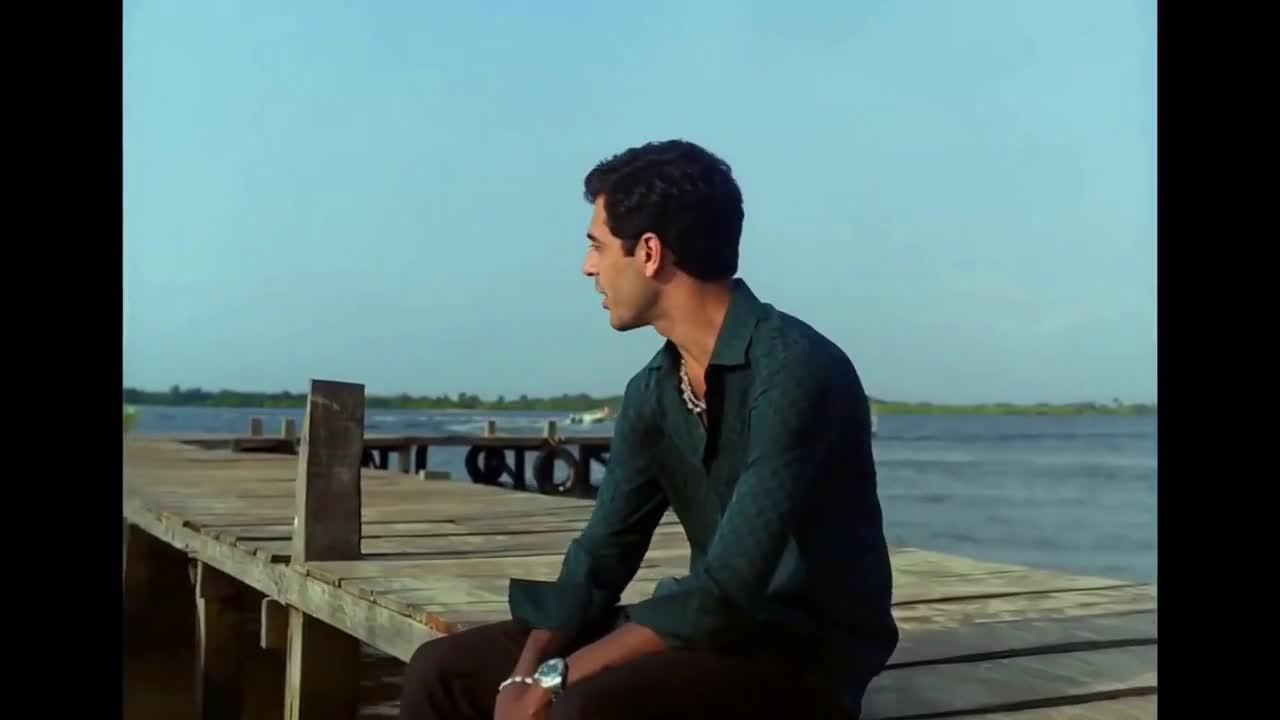 10s reference · 2 photos
Duet
Two faces. A seaside duet. Your own Raindance moment.
Use this template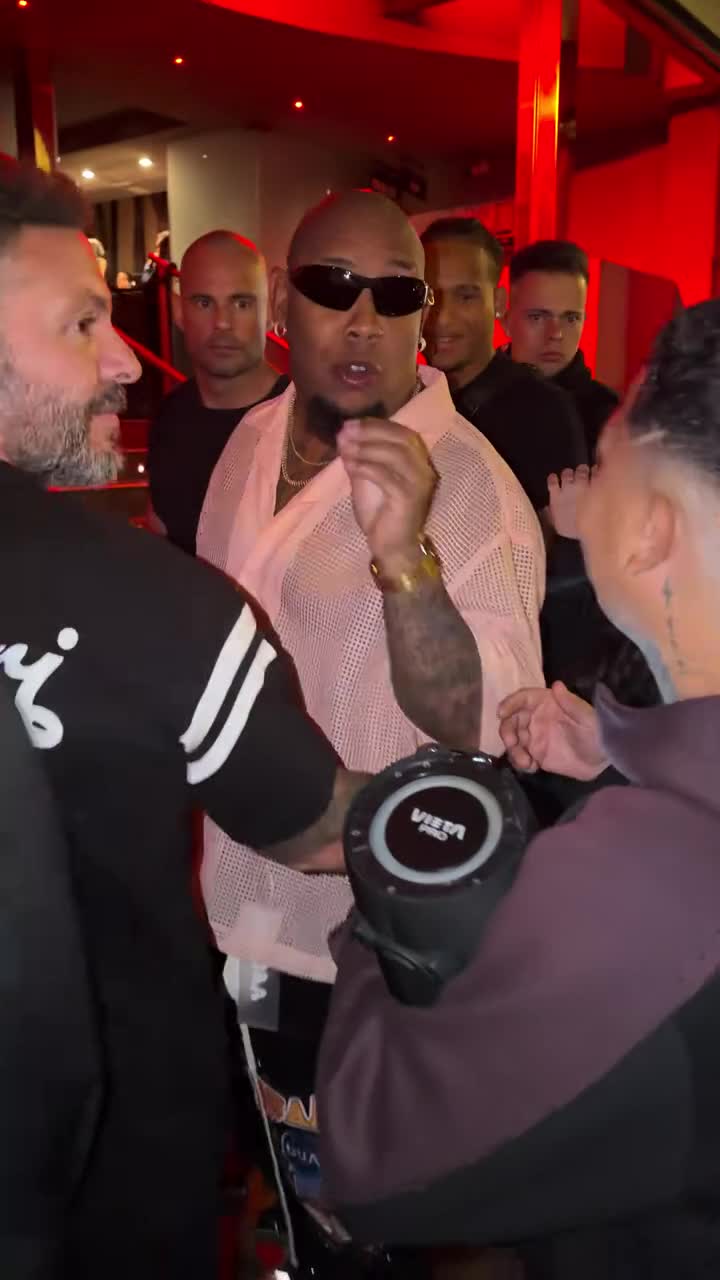 10s reference · 1 photo
Freestyle
One portrait in the lead. Keep the street freestyle moving.
Use this template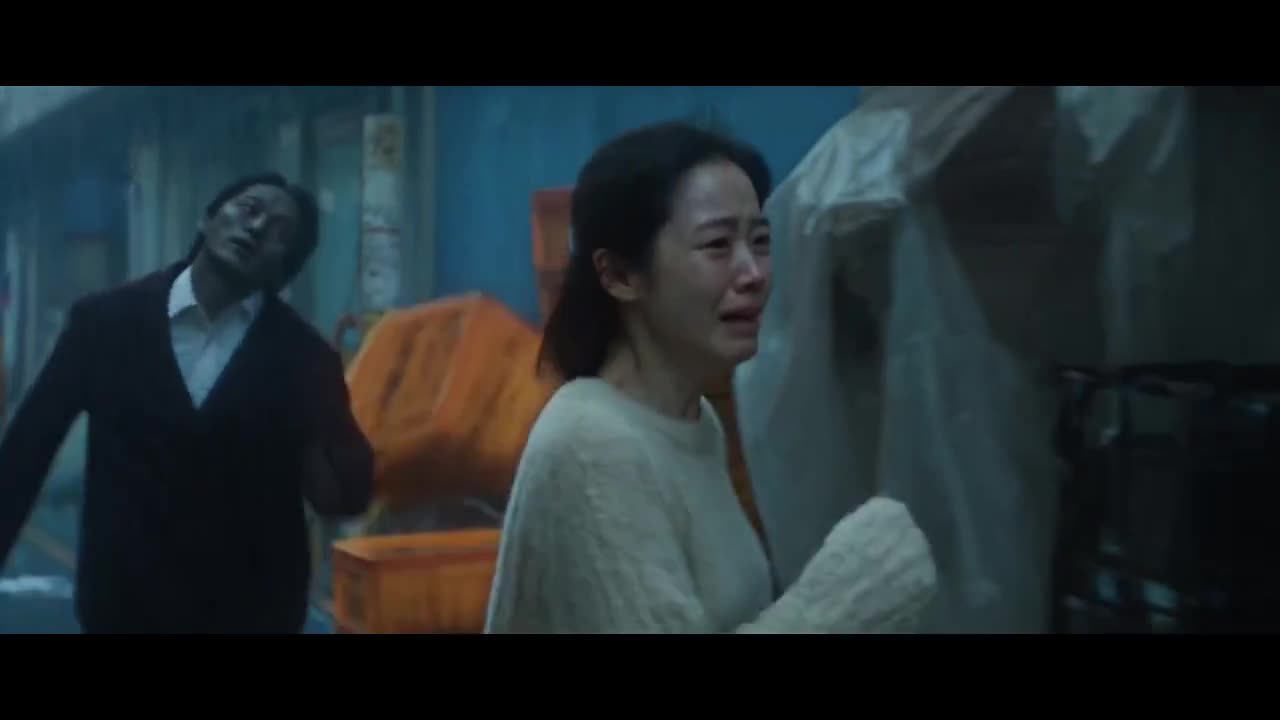 10s reference · 2 photos
Story
From a cold night chase to a warm memory. Cast your pair.
Use this template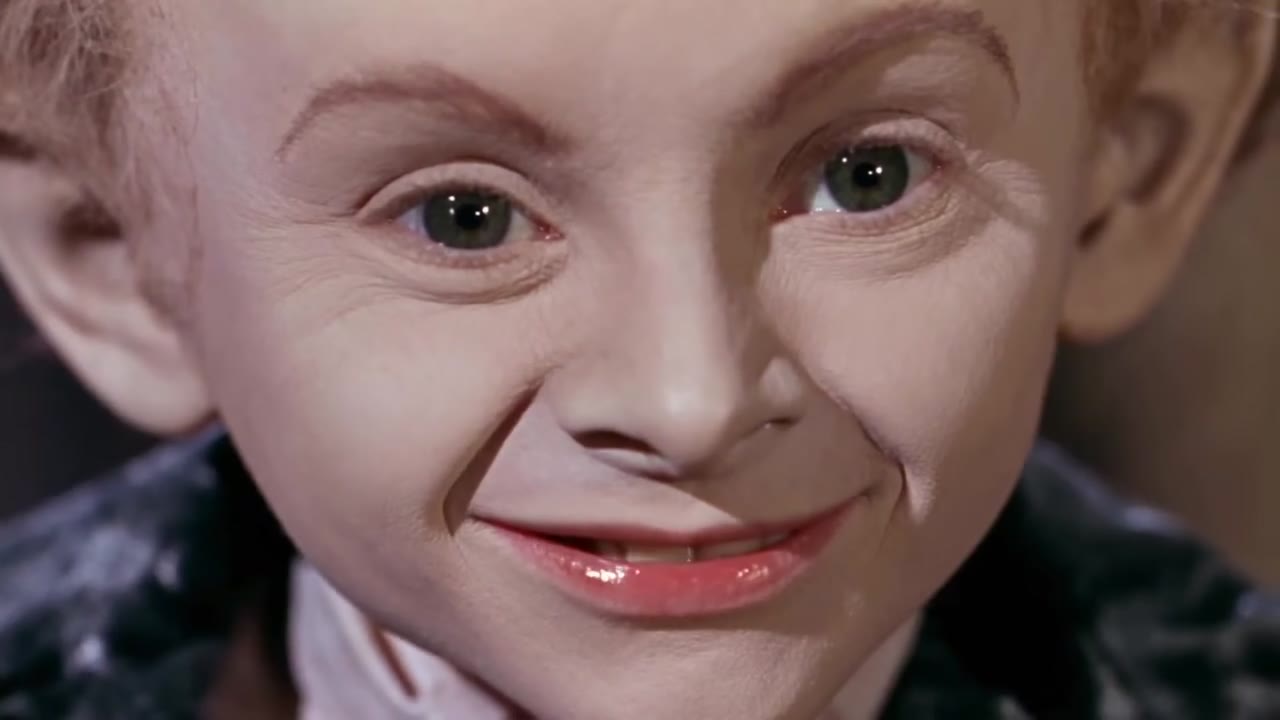 12s reference · 2 photos
Comedy
Two portraits in a fairy-tale barn tiptoe scene.
Use this template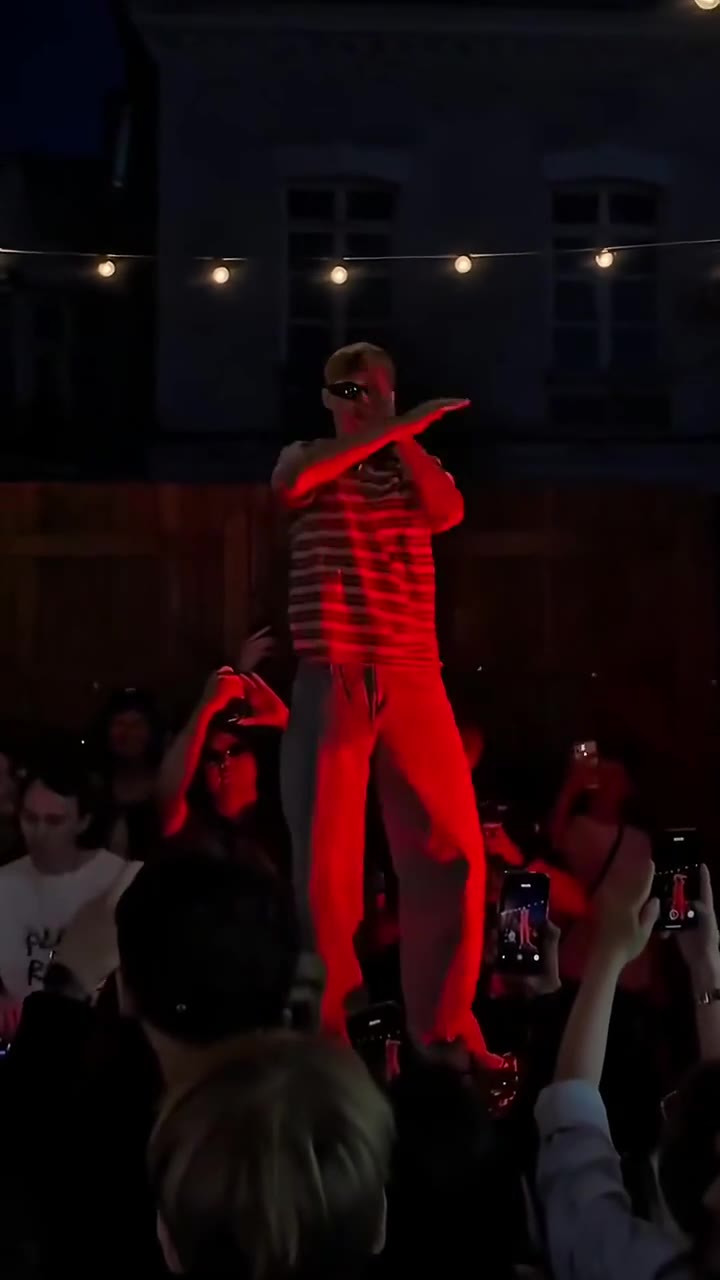 15s reference · 1 photo
Dance
One portrait leads the fast-arm dance on the red stage.
Use this template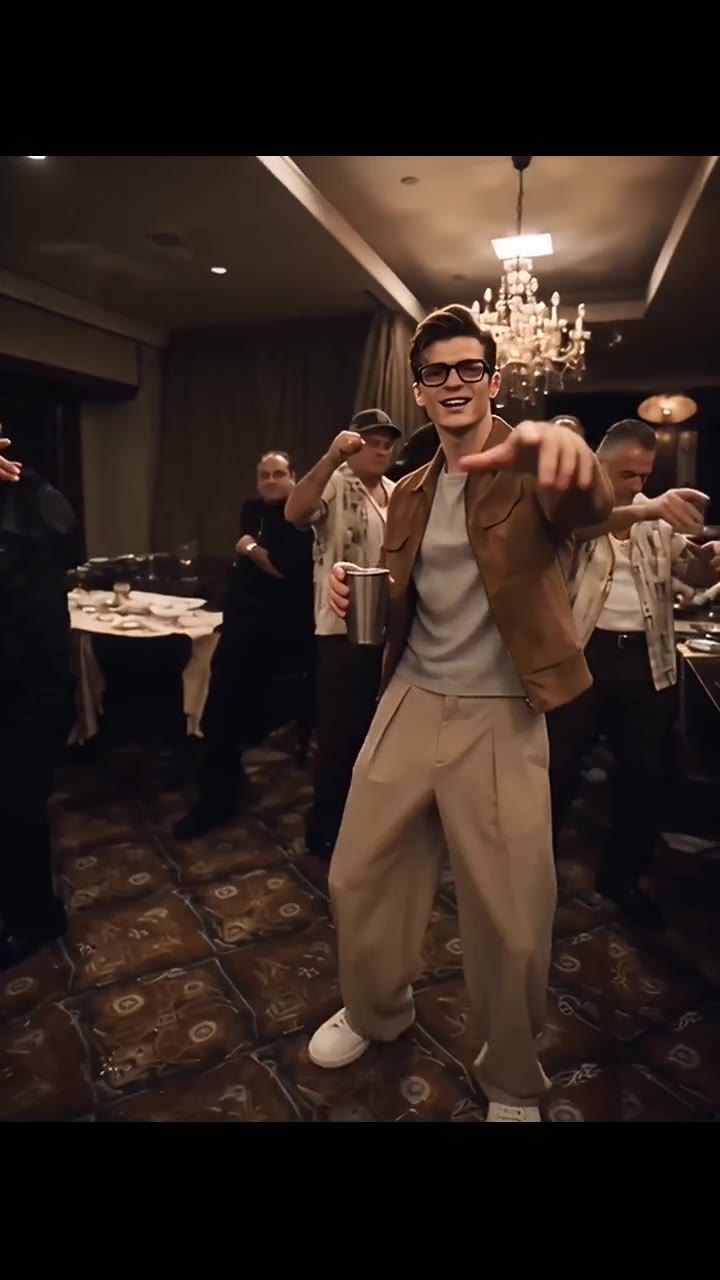 15s reference · 1 photo
Performance
One face leads the cup-and-gesture party performance.
Use this template