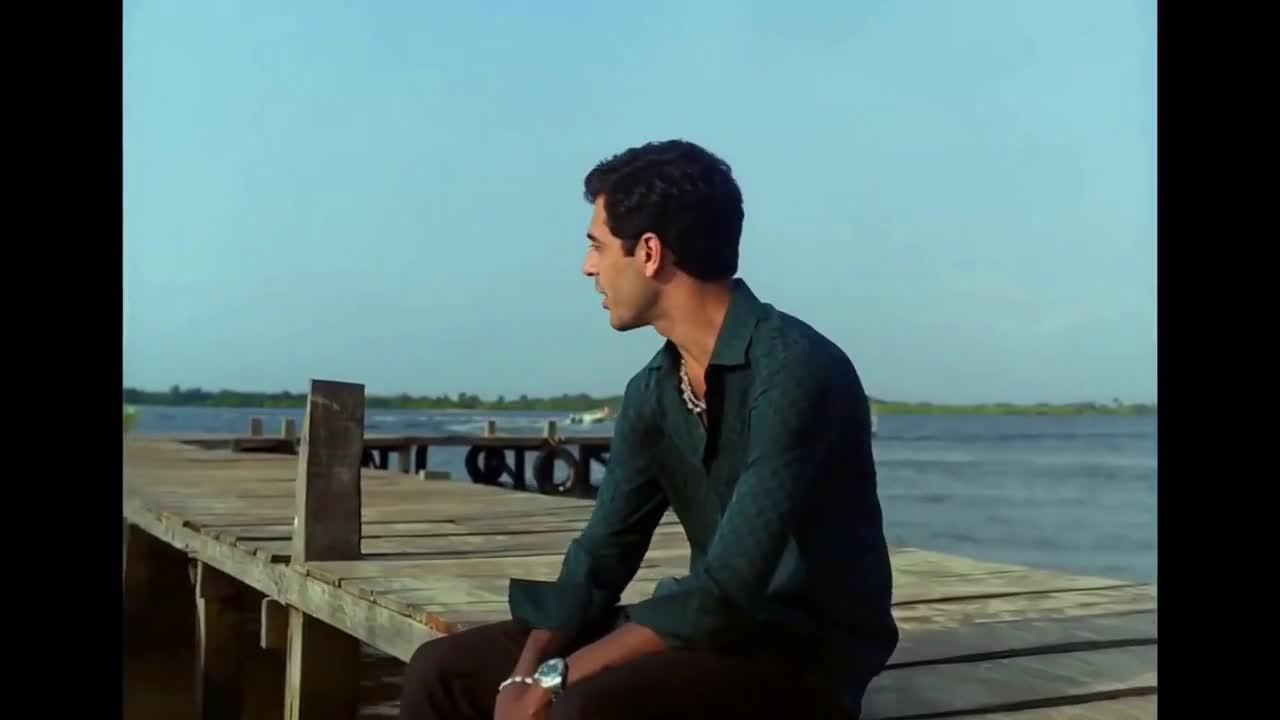
hotel lobby
Keep roles consistent
Do not put both partners into one upload. Separate images and fixed role assignments help avoid mixing the two faces.
TWO PHOTOS · CHASE TO MEMORY
Cast your pair in a short story that moves from a cold night chase to a warm field memory. Upload two portraits; the scene and prompt are ready.
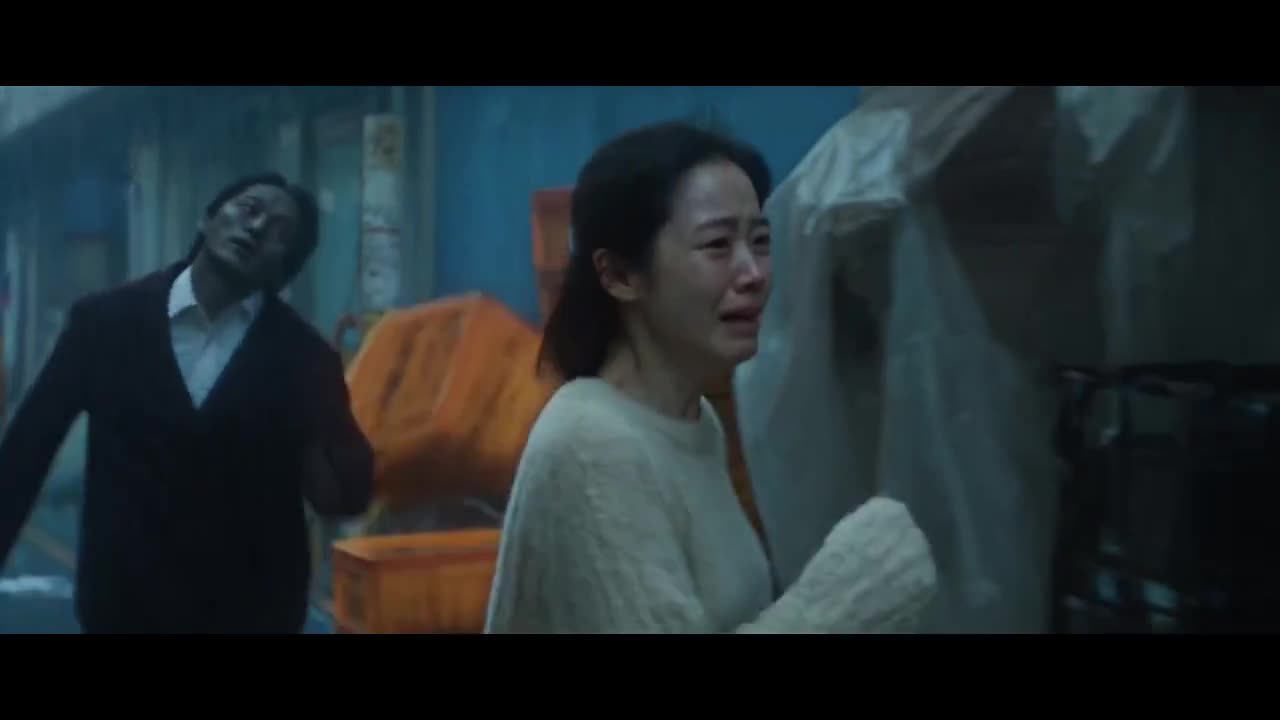
Photo 1 replaces the woman running in front. Photo 2 replaces the man following her. Keep the same two identities when the scene changes to the warm field memory. JPG / PNG / WebP · 10 MB each.
Say what to change, what Image 1 or Image 2 supplies, and what to preserve from Video 1.
AI motion and audio may differ from the reference.
15s output · 10s reference · entry quality for each model
Cost comparison only. Output quality and identity consistency are not guaranteed; choose your final settings below.
Use existing credits or buy a one-time pack. No subscription.
Buying credits does not start generation. Confirm here when you are ready. Confirmed failures return credits.
Your uploads and prompt are processed by an AI service. Use only material you have permission to use. Privacy & retention
THE TREND
Zombie Love Story AI describes several emotional couple-video edits: a frightening encounter shifts into a memory of the same pair before the infection. This page uses a 10-second chase-to-memory excerpt associated with “Wherever You Go.” It is different from the cabin confrontation or leap-into-an-embrace variants. Watch this exact template before you buy credits.
Photo 1 replaces the woman running in front. Choose a clear individual portrait so this identity can carry through the change in lighting.
Photo 2 replaces the man following her. The preset asks for the zombie look at night and the same identity without infection in the memory.
Generate the landscape clip and review both scenes. The key is recognizing the same pair before and after the transition, not only adding a zombie face.
Do not put both partners into one upload. Separate images and fixed role assignments help avoid mixing the two faces.
The preset preserves the night scene, golden field, shot order and movement. Asking for extra scenes can weaken this short transition.
Check that the infected character remains recognizable and that neither face changes identity when the palette turns warm. AI consistency is not guaranteed.
No. Use two ordinary portraits. The prompt asks the model to carry the source character’s zombie appearance into the night scene while keeping that person recognizable.
No. This is the chase-to-memory version shown in the preview. It does not include the cabin or gun confrontation, and it does not generate a complete music video.
This preset is written for two human identities. Pet replacement has not been validated, so it is not offered as a supported preset here.
Output settings offer 5, 10 or 15 seconds, but the built-in reference stays 10 seconds. A longer setting is a new generation guided by that same clip, not an additional story chapter.
The preview includes the source audio. Generated audio may differ, and Kling produces silent video. A credit purchase does not license music from the source post. Use music you can lawfully publish.
The default 10-second MiniMax H3 output at 768P uses 160 credits, including the 10-second reference. The smallest pack is 240 credits for $6.99. Generation is paid; previewing is free. Other settings have their own exact quote shown before you confirm.
Buying credits does not start a video. Return to the saved studio, review the cost and confirm generation. Confirmed generation failures return credits. Photos and prompts stay in a device draft for 30 minutes; submitted files are processed by an AI service.
Photo privacy and retention · Use your own reference in the Genjutsu-style editor
Sources explain the trend and identify the reference. They do not endorse this tool or demonstrate a result made with your photos.
PHOTO-ONLY START
The reference video and prompt are included. Bring your photos.