01
Pick your two stars
One clear portrait for the left performer, one for the right. Check both photos before you continue.
 hotel lobbyAI
Turn two photos into a Hotel Lobby performance.
The scene is set. You bring the stars.
Private uploads, processed by a third-party AI service. We don’t publish your uploads or train our own models with them. Our copies are eligible for deletion after 24 hours, once active tasks finish. Photo privacy & deletion
Paid generation · Starter $9.90 for 2 videos at 15s / 768P. One-time purchase, no auto-renewal.
Confirmed failures return credits. Successful remakes use credits. Payment refunds follow our terms.
A similar duo performance, with AI-generated audio. The original song is not included; exact moves and lip sync are not guaranteed. See input photos & full results
One clear portrait for the left performer, one for the right. Check both photos before you continue.
Our video template guides the performance. Your two photos supply the cast.
Preview your video, save it, and try another pair whenever inspiration strikes.
Two references. A shared scene. A little rhythm.
It’s the two-photo video format built around an orange studio, a hanging microphone and a duo sharing the spotlight. You may also know it as the Migos AI video trend.
Our Hotel Lobby AI video generator uses your photos for the performers and the example video as a reference for the scene, motion and camera timing. No timeline to edit or prompt to write: just pick your pair.
Inside the studio promptVerified internal demos.
Watch both performers before you buy.
These two selected examples use the same AI-generated fictional portraits, in opposite roles. They are not customer photos or a guarantee of your result. The full generated performances and audio are shown without creative edits.
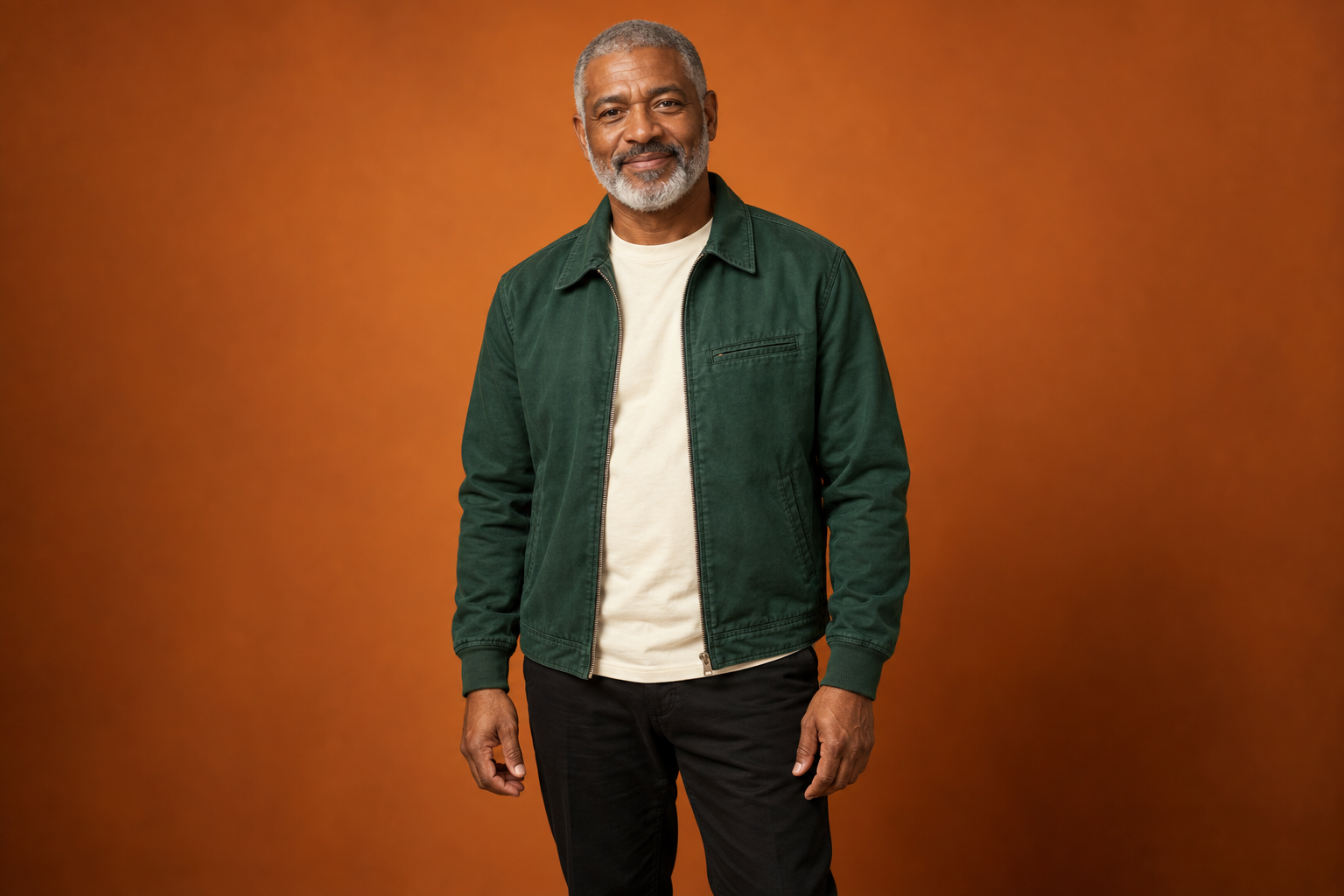
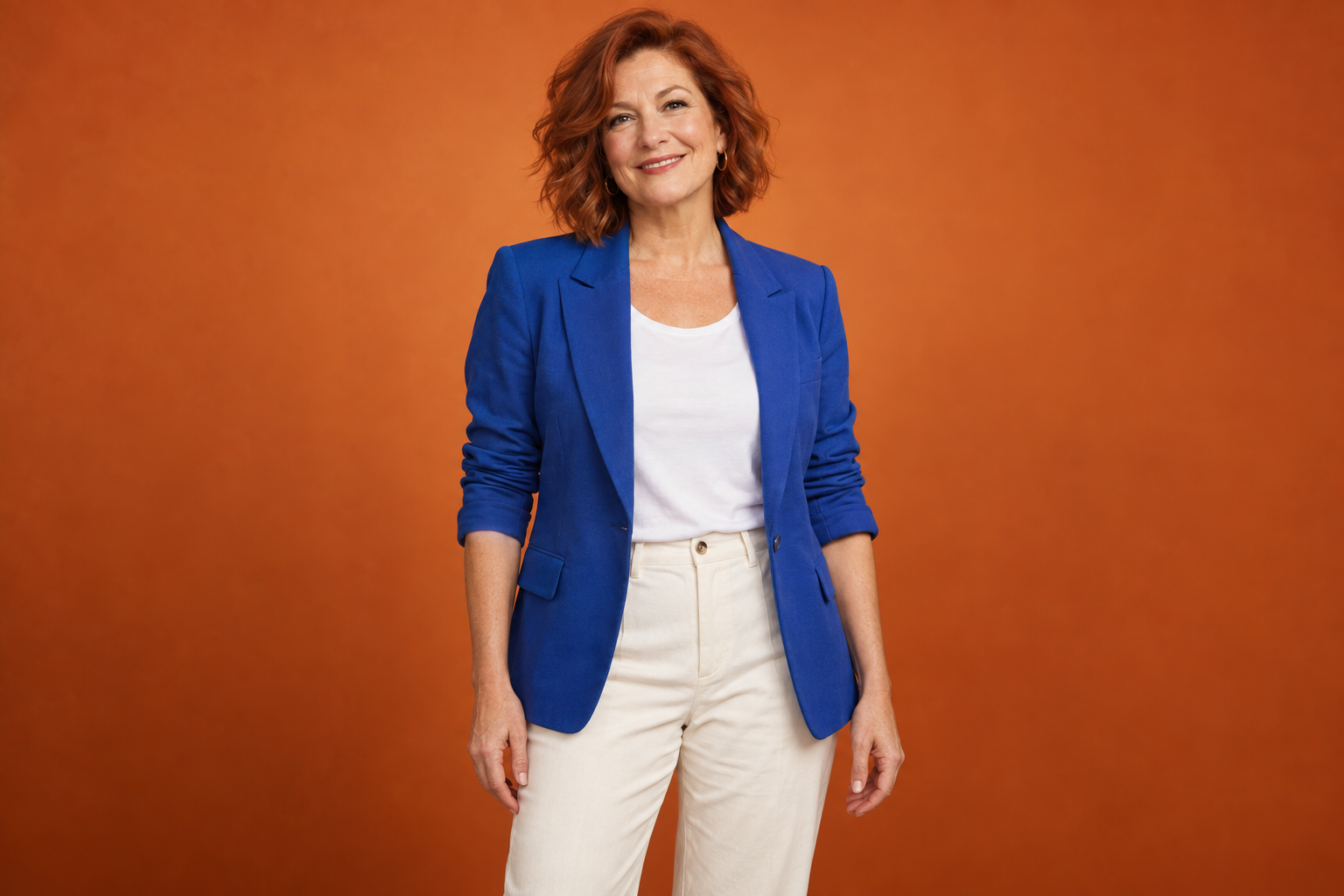
15s · 768P · 240 credits ·
15s · 768P · 240 credits ·
One-time packs. No subscription.
Choose 5, 10 or 15 seconds, in 768P or 2K.
Compare videos per pack
240 credits / video$9.90USD · one-time
2 videos15s / 768P · 480 credits
Explore Starter$24.90USD · one-time
6 videos15s / 768P · 1,440 credits
Explore Creator$49.90USD · one-time
14 videos15s / 768P · 3,360 credits
Explore StudioOne-time payment, no auto-renewal. Successful remakes use credits. Credit returns are separate from payment refunds; see our terms.
One clear subject in each image makes the left and right roles easier to interpret.
Keep the face and upper body visible, with space around the head and shoulders.
Sharp, evenly lit photos give the model a stronger reference than filters or heavy blur.
Watch both performers through the whole video before you download or share.
Everything to know about photos, video templates and credits.
You can watch the example for free. Creating your own video requires purchased credits. Packs start at $9.90 for 480 credits, enough for two 15-second videos at 768P. There is no subscription or free generation trial.
Upload two images, one for each performer. The first image guides the left performer and the second guides the right performer.
No. Our fixed example video guides the performance, scene and camera timing. Your two photos supply the performers, and our built-in prompt assigns each role.
Choose 5, 10 or 15 seconds and 768P or 2K quality, with 9:16 portrait (default), 16:9 landscape or 1:1 square framing. Upload JPG, PNG or WebP photos up to 10 MB each.
You can try the same two-photo workflow with different subjects. Results vary with the source images and the video model.
The images guide the performers’ appearance, but AI generation can change details. Clear images help the model interpret each subject.
A confirmed failed generation restores the credits used for that request. A pending request keeps them reserved until its outcome is confirmed. A successfully generated video uses credits even if you want to remake it.
Yes. Preview the completed result, then download it from the generator or My videos. Downloading the same result costs no extra credits. Videos may become unavailable later, so save results you want to keep.
Yes. We send the fixed example video with your two photos to guide its moves, scene and framing. AI results can vary; exact choreography and lip sync are not guaranteed. Audio is newly generated rather than the original Hotel Lobby recording.