Upload one person
Avoid group portraits. There are already several people in the reference, and the instruction targets only the lead.
 hotel lobbyAIEnglish
ONE PHOTO · PARTY PERFORMANCE
Step into the party performance with one portrait. Keep the chandelier room, metal cup and surrounding guests while the prompt assigns your face to the lead.
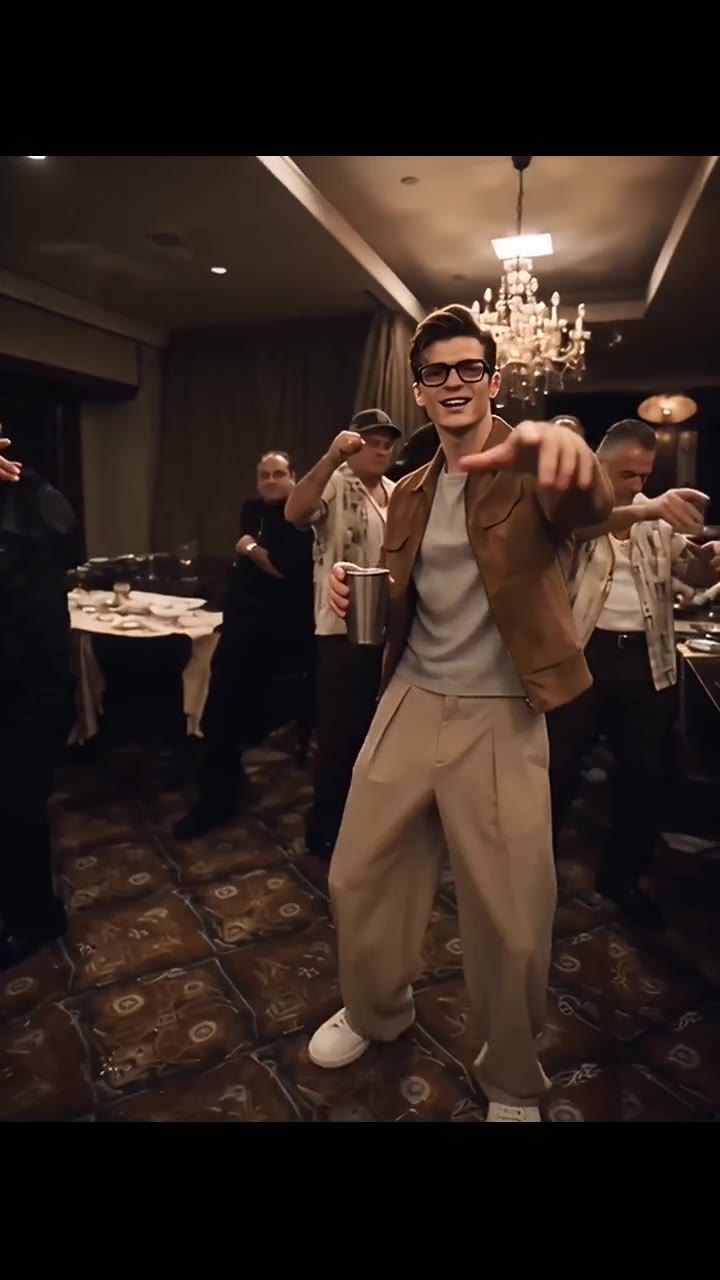
Your photo replaces only the lead in glasses, a brown jacket and light high-waisted trousers holding a metal cup. Leave all background guests unchanged. JPG / PNG · 10 MB each.
Say what to change, what Image 1 or Image 2 supplies, and what to preserve from Video 1.
AI motion and generated audio may differ from the reference.
JPG / PNG · 300–6000 px per side. New model option; results may vary.
15s output · 15s reference · entry quality for each model
Cost comparison only. Output quality and identity consistency are not guaranteed; choose your final settings below.
Use existing credits or buy a one-time pack. No subscription.
Buying credits does not start generation. Confirm here when you are ready. Confirmed failures return credits.
Your uploads and prompt are processed by an AI service. Use only material you have permission to use. Privacy & retention
THE TREND
This Burning Bridges AI preset uses the party-performance version shown in the player. A lead wearing glasses, a brown jacket and light high-waisted trousers holds a metal cup and gestures toward the camera. Guests fill the chandelier-lit room behind them. It is a character-replacement scene, not a literal bridge-burning effect or a complete music video.
Your portrait replaces the glasses-wearing person holding the metal cup. The people behind the performer are not additional photo roles.
Original asks to retain the cup gestures, camera and party setting. Variant keeps the scene and identity while requesting different actions and original audio.
Review the face, glasses, cup and hands across the clip. The default is a 15-second vertical output; a different aspect ratio may reframe the room.
Avoid group portraits. There are already several people in the reference, and the instruction targets only the lead.
Held objects, reflections and occlusion are difficult details. Check them alongside likeness when reviewing the output.
The source is padded to a vertical frame without cropping the performer. The generated clip can interpret that framing differently.
No. One portrait replaces the lead performer. Background guests remain part of the reference and are not assigned uploaded identities.
No. This is a third-party AI example from AI Hotel Lobby used as a motion reference. It is not presented as the original artist footage or a Try Hotel Lobby generated result.
No. This preset follows the indoor party performance in the preview. If you want a different scene, use the custom reference-video editor and describe that request separately.
The preview retains source audio, but the generated soundtrack can differ. This preset does not merge the reference soundtrack onto the output. A credit purchase does not grant a music license.
Start with Original, the 15-second duration and the default framing. These settings ask to preserve the reference gestures and scene; they do not guarantee exact motion, likeness or audio.
The default 15-second Seedance Fast output at 480p uses 240 credits, including the 15-second reference. The smallest pack is 240 credits for $6.99. Generation is paid; previewing is free. Other settings have their own exact quote shown before you confirm.
Buying credits does not start a video. Return to the saved studio, review the cost and confirm generation. Confirmed generation failures return credits. Photos and prompts stay in a device draft for 30 minutes; submitted files are processed by an AI service.
Photo privacy and retention · Use your own reference in the Genjutsu-style editor
Sources explain the trend and identify the reference. They do not endorse this tool or demonstrate a result made with your photos.
PHOTO-ONLY START
The reference video and prompt are included. Bring your photos.
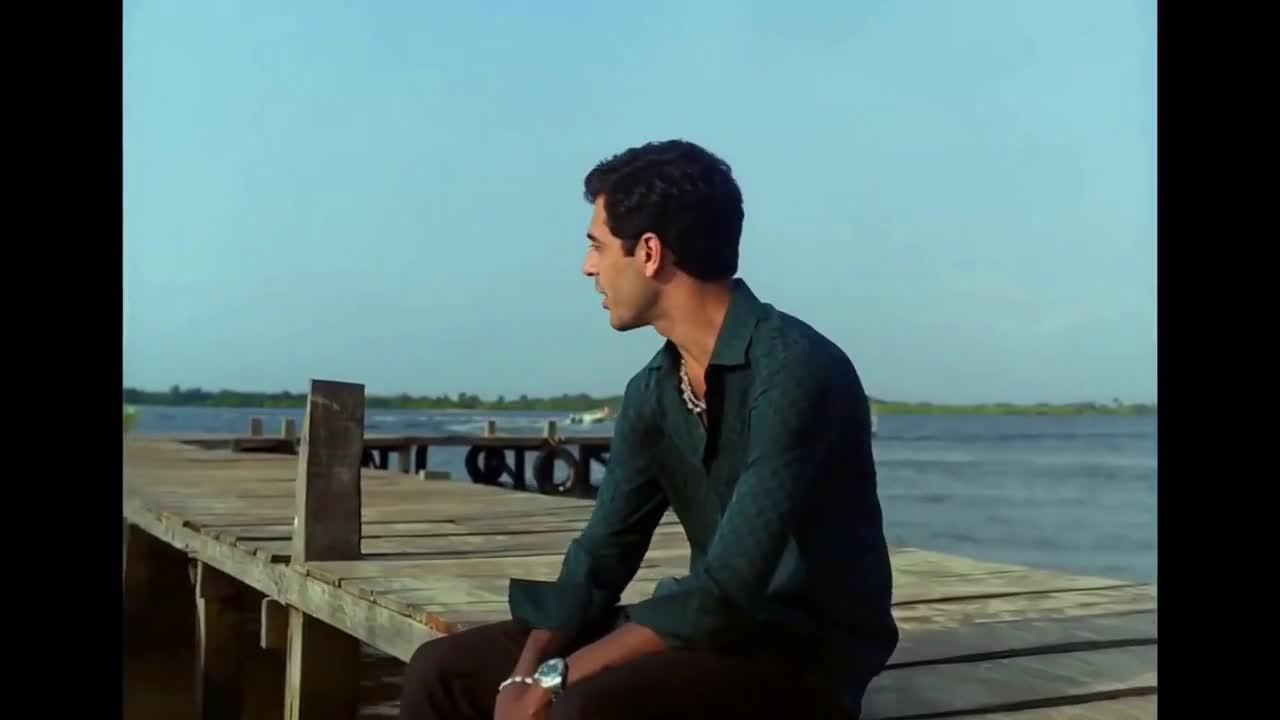 10s reference · 2 photos
Duet
Two faces. A seaside duet. Your own Raindance moment.
Use this template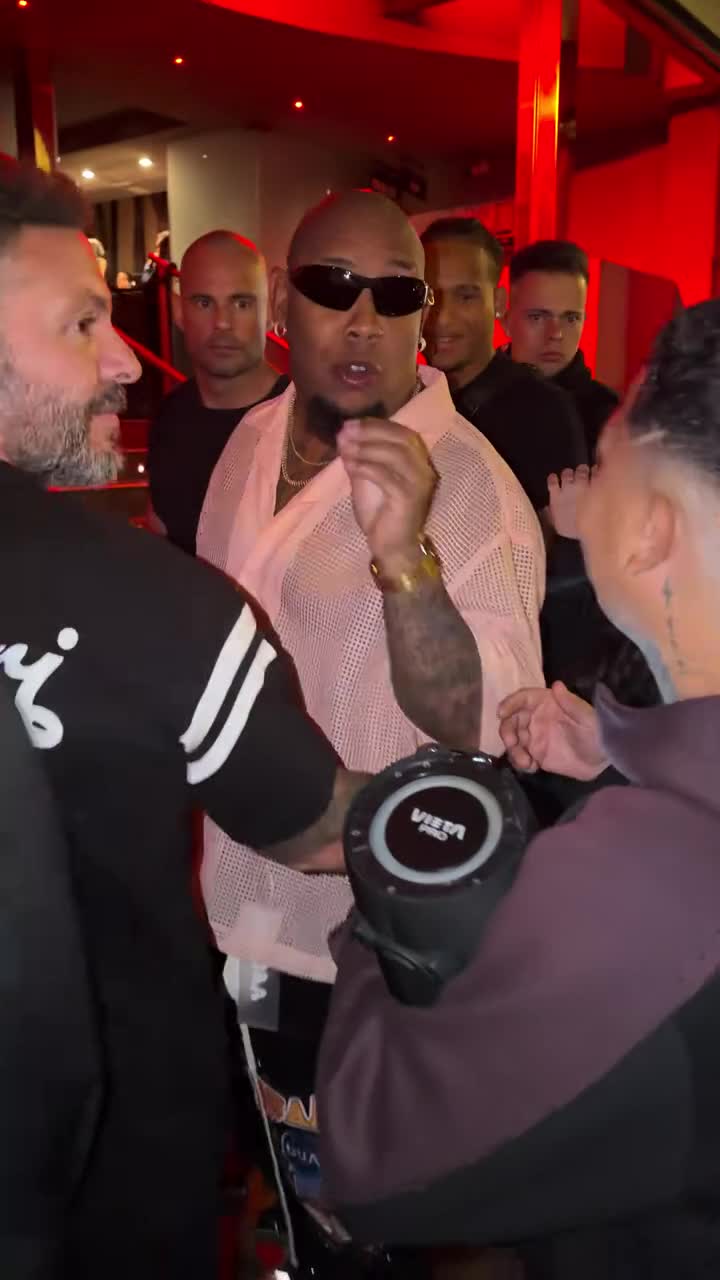 10s reference · 1 photo
Freestyle
One portrait in the lead. Keep the street freestyle moving.
Use this template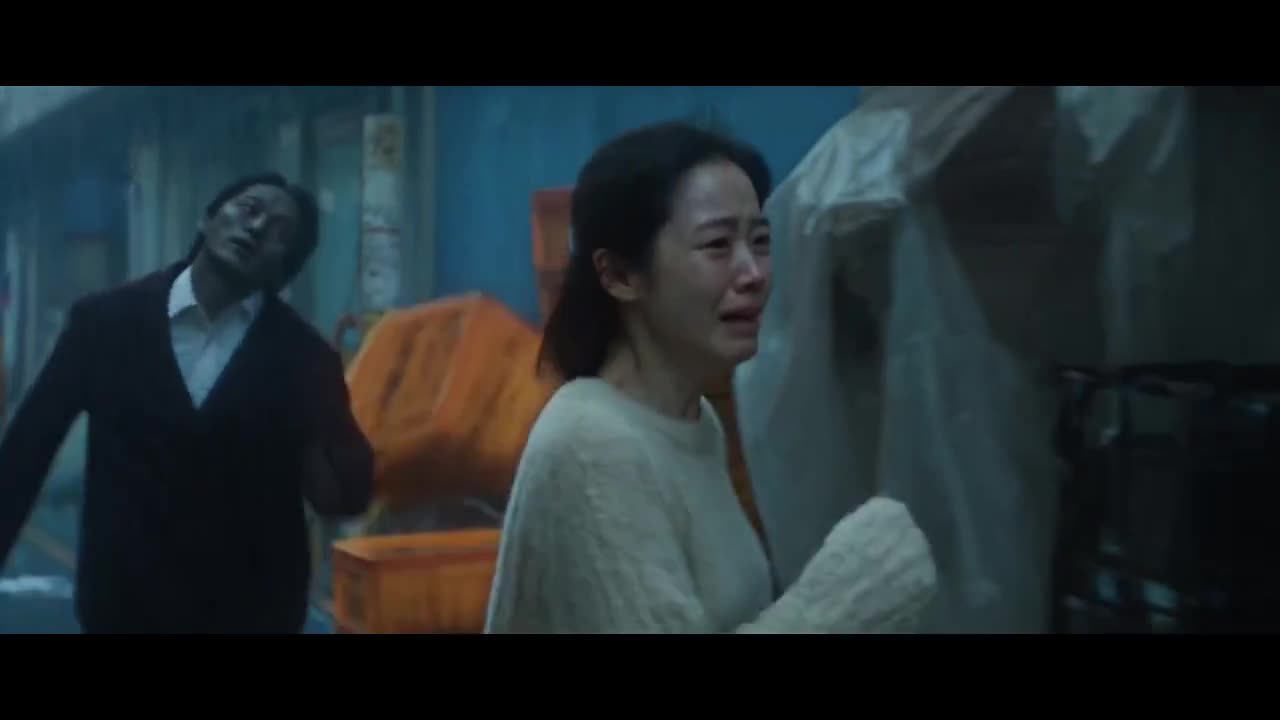 10s reference · 2 photos
Story
From a cold night chase to a warm memory. Cast your pair.
Use this template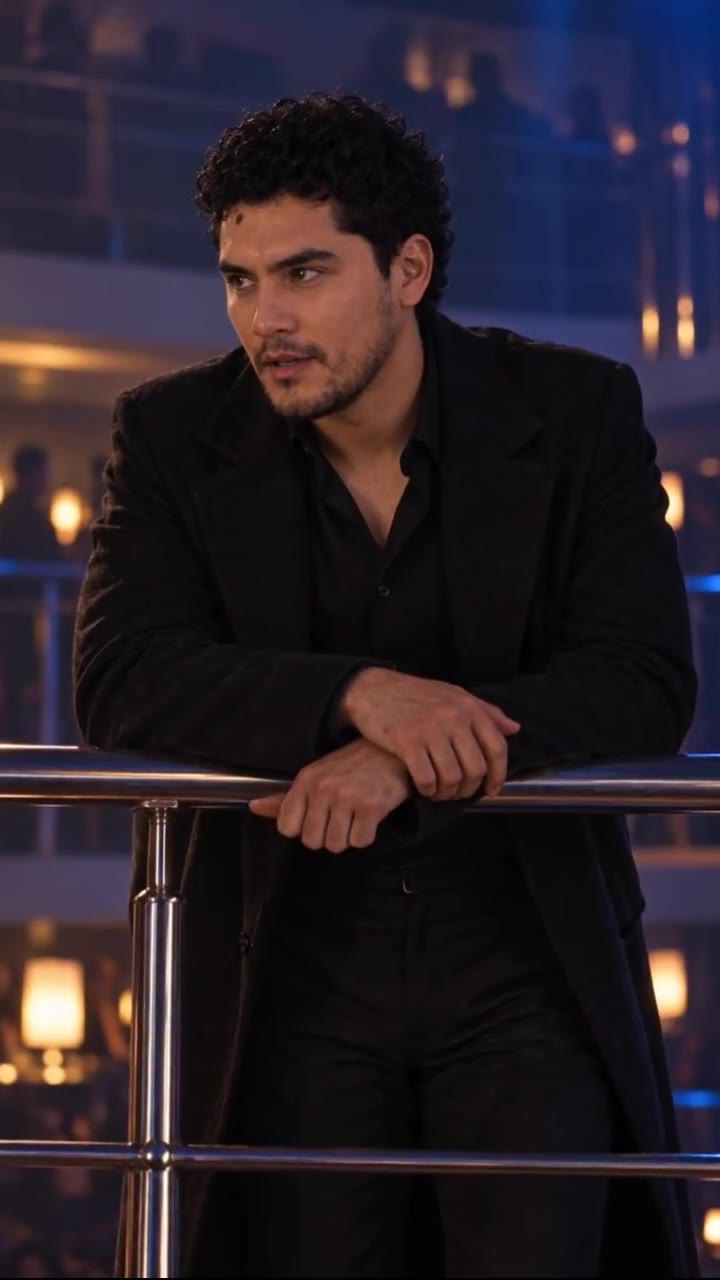 14s reference · 2 photos
Reveal
Cast two faces in the balcony-to-dance-floor reveal.
Use this template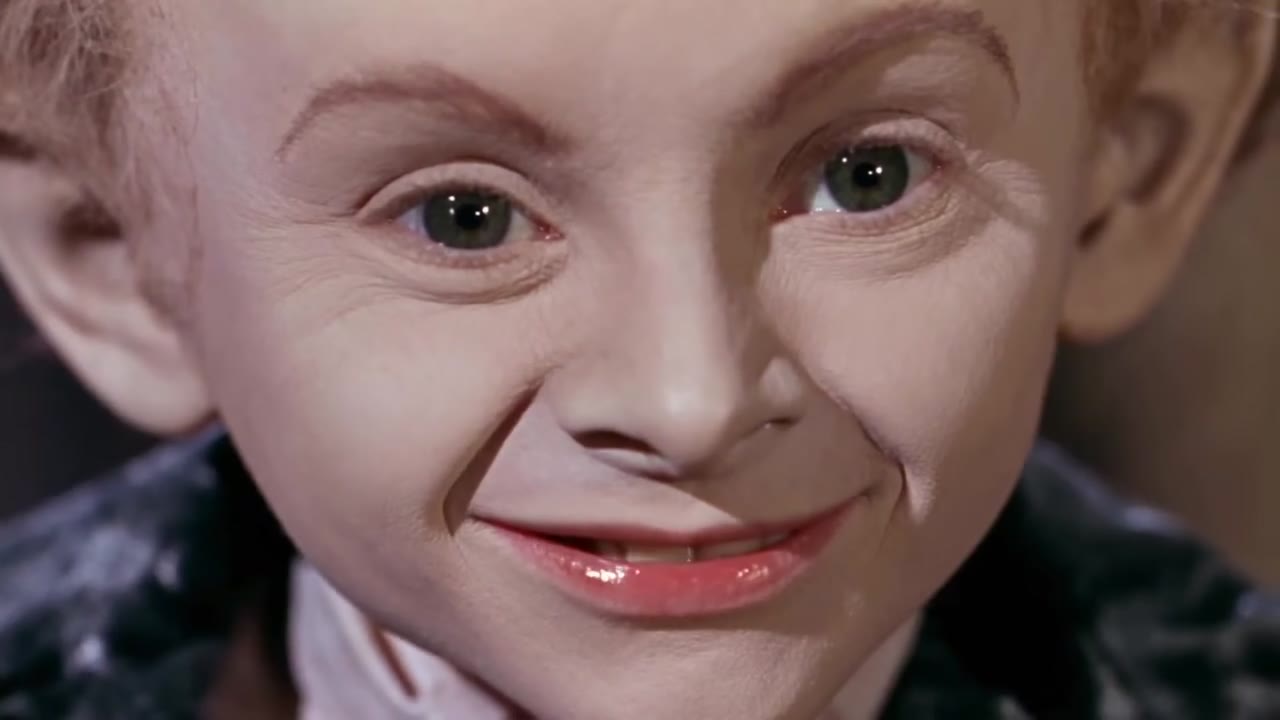 12s reference · 2 photos
Comedy
Two portraits in a fairy-tale barn tiptoe scene.
Use this template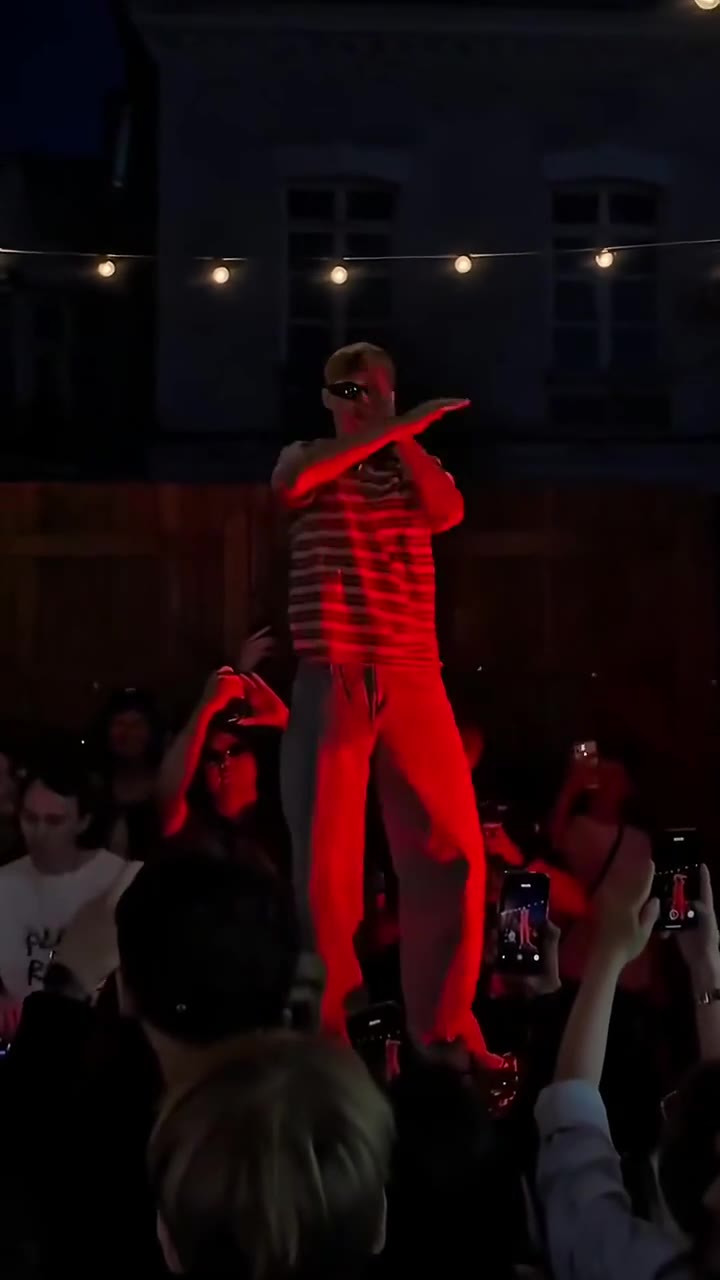 15s reference · 1 photo
Dance
One portrait leads the fast-arm dance on the red stage.
Use this template