Use portraits, not costume photos
The reference provides the tailcoat, bow tie and shoes. Your uploads supply the identities; they do not need matching clothes.
 hotel lobbyAIEnglish
TWO PHOTOS · FAIRY-TALE TIPTOE
Put your pair into the barn scene: one character tiptoes in a dark tailcoat and pink bow tie while the other watches. The reference and role instructions are included.
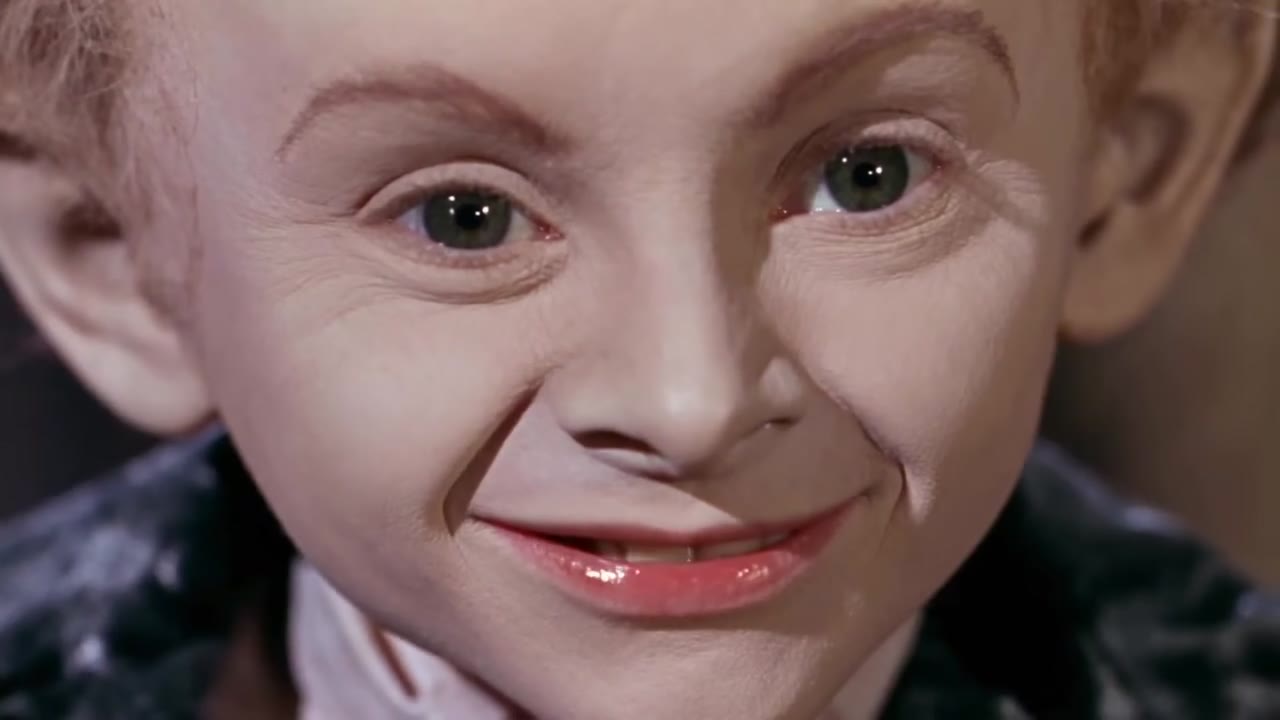
Photo 1 replaces the small curly-haired lead in the dark tailcoat and pink bow tie. Photo 2 replaces the blonde observer. Preserve the lead body proportions, costume and pointed heels. JPG / PNG · 10 MB each.
Say what to change, what Image 1 or Image 2 supplies, and what to preserve from Video 1.
AI motion and generated audio may differ from the reference.
JPG / PNG · 300–6000 px per side. New model option; results may vary.
15s output · 12s reference · entry quality for each model
Cost comparison only. Output quality and identity consistency are not guaranteed; choose your final settings below.
Use existing credits or buy a one-time pack. No subscription.
Buying credits does not start generation. Confirm here when you are ready. Confirmed failures return credits.
Your uploads and prompt are processed by an AI service. Use only material you have permission to use. Privacy & retention
THE TREND
Rumpelstiltskin is a fairy-tale name, while this video template focuses on a specific comic tiptoe sequence. In a hay-filled barn, the small curly-haired character makes a shushing gesture, steps in pointed heels and appears in foot-level close-ups. A blonde observer remains a separate role. This is a short reference-guided scene, not a retelling of the whole fairy tale.
Photo 1 replaces the curly-haired lead in the dark tailcoat. The prompt keeps the reference costume, body proportions and exaggerated steps.
Photo 2 replaces the blonde person watching. That face may be less visible in shots taken from behind; the preset does not force extra close-ups.
Start with the 15-second landscape output. Check the lead identity, the shushing gesture, shoes and observer across the camera cuts.
The reference provides the tailcoat, bow tie and shoes. Your uploads supply the identities; they do not need matching clothes.
The barn reference is 16:9. A vertical generation can reframe the observer or the feet, so inspect the full result if you change the ratio.
Fast feet, heels and partly hidden faces can change during generation. Original requests the same sequence but cannot guarantee frame-for-frame reproduction.
No. It makes a short version of the barn tiptoe sequence shown here, using your two portraits. It does not generate the spinning-straw story or a full film.
This preset assigns two photo roles and requires both portraits. For a custom one-person instruction, use the reference-video editor with media you are permitted to upload.
The prompt preserves the reference body proportions, outfit and movement while replacing identity. Body shape and likeness are model-dependent; a specific transformation is not guaranteed.
The reference is a 12-second excerpt. Available output settings are 5, 10 or 15 seconds, with 15 selected by default. The model interprets the sequence for the chosen length rather than copying its frames.
The preview is the public tiptoe reference from AI Hotel Lobby, with source audio retained. It is not a result generated on this site. Generated audio can differ; no soundtrack overlay is added for this preset.
The default 15-second Seedance Fast output at 480p uses 216 credits, including the 12-second reference. The smallest pack is 240 credits for $6.99. Generation is paid; previewing is free. Other settings have their own exact quote shown before you confirm.
Buying credits does not start a video. Return to the saved studio, review the cost and confirm generation. Confirmed generation failures return credits. Photos and prompts stay in a device draft for 30 minutes; submitted files are processed by an AI service.
Photo privacy and retention · Use your own reference in the Genjutsu-style editor
Sources explain the trend and identify the reference. They do not endorse this tool or demonstrate a result made with your photos.
PHOTO-ONLY START
The reference video and prompt are included. Bring your photos.
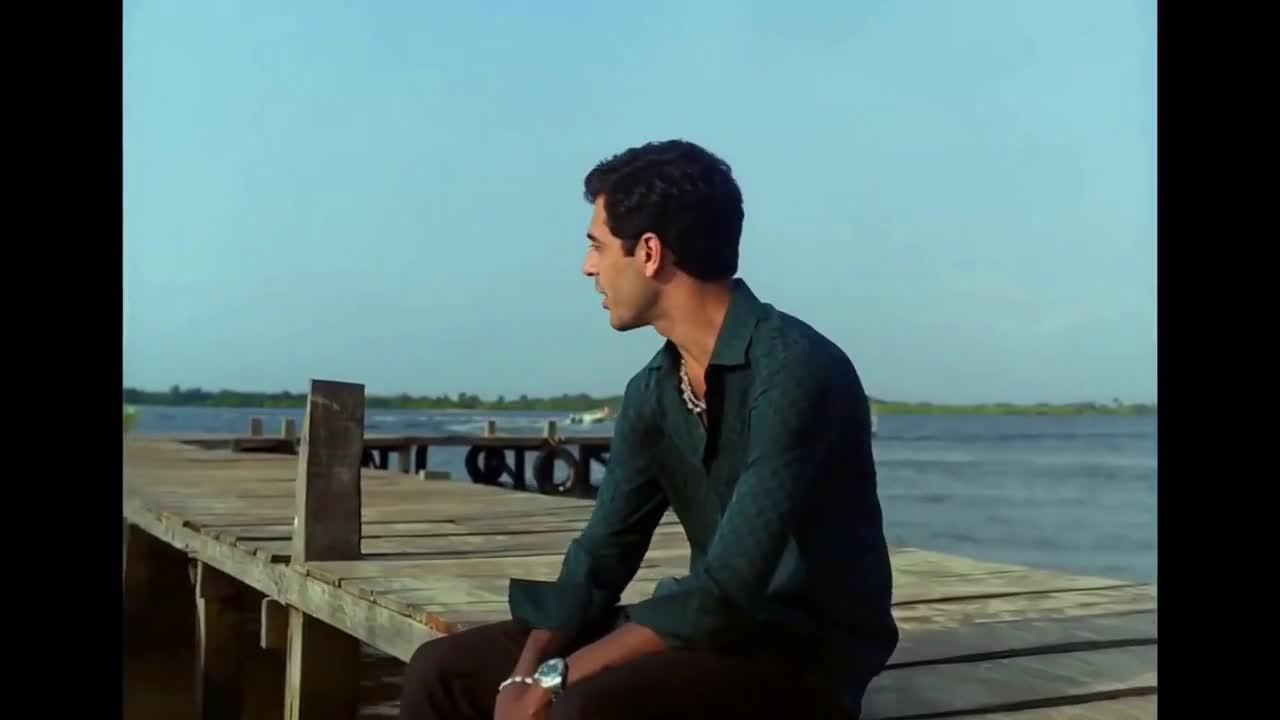 10s reference · 2 photos
Duet
Two faces. A seaside duet. Your own Raindance moment.
Use this template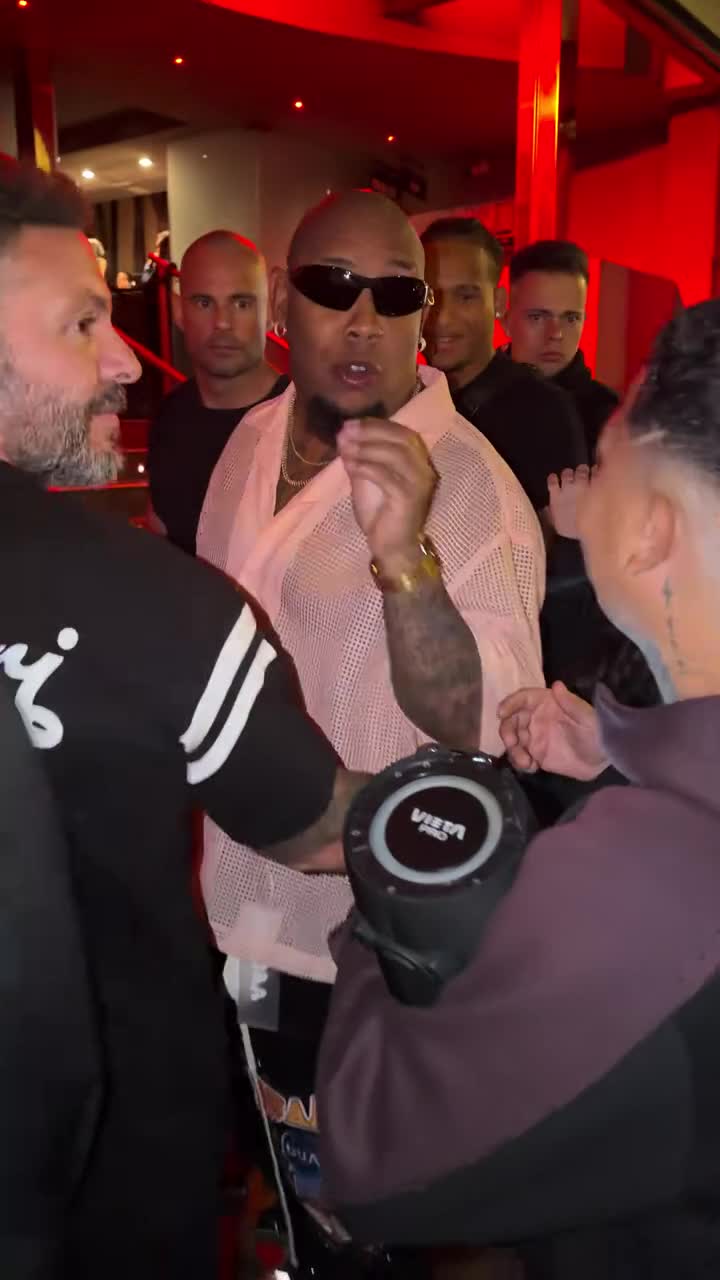 10s reference · 1 photo
Freestyle
One portrait in the lead. Keep the street freestyle moving.
Use this template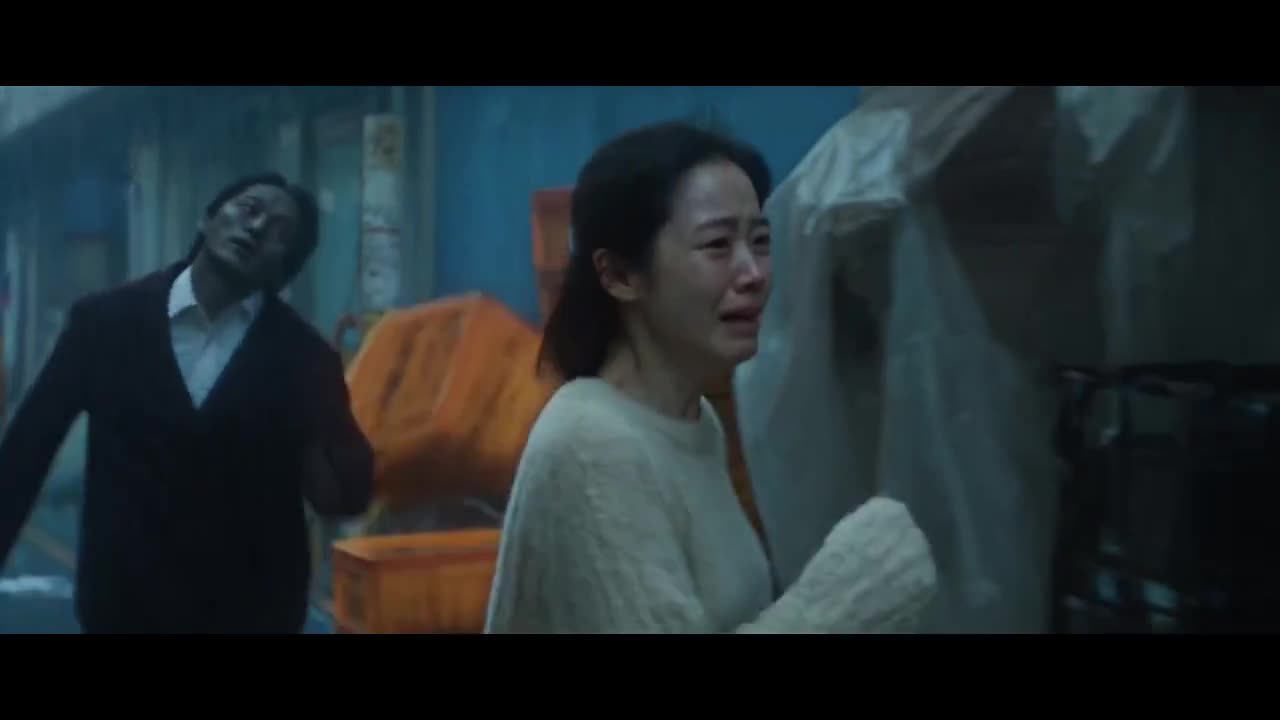 10s reference · 2 photos
Story
From a cold night chase to a warm memory. Cast your pair.
Use this template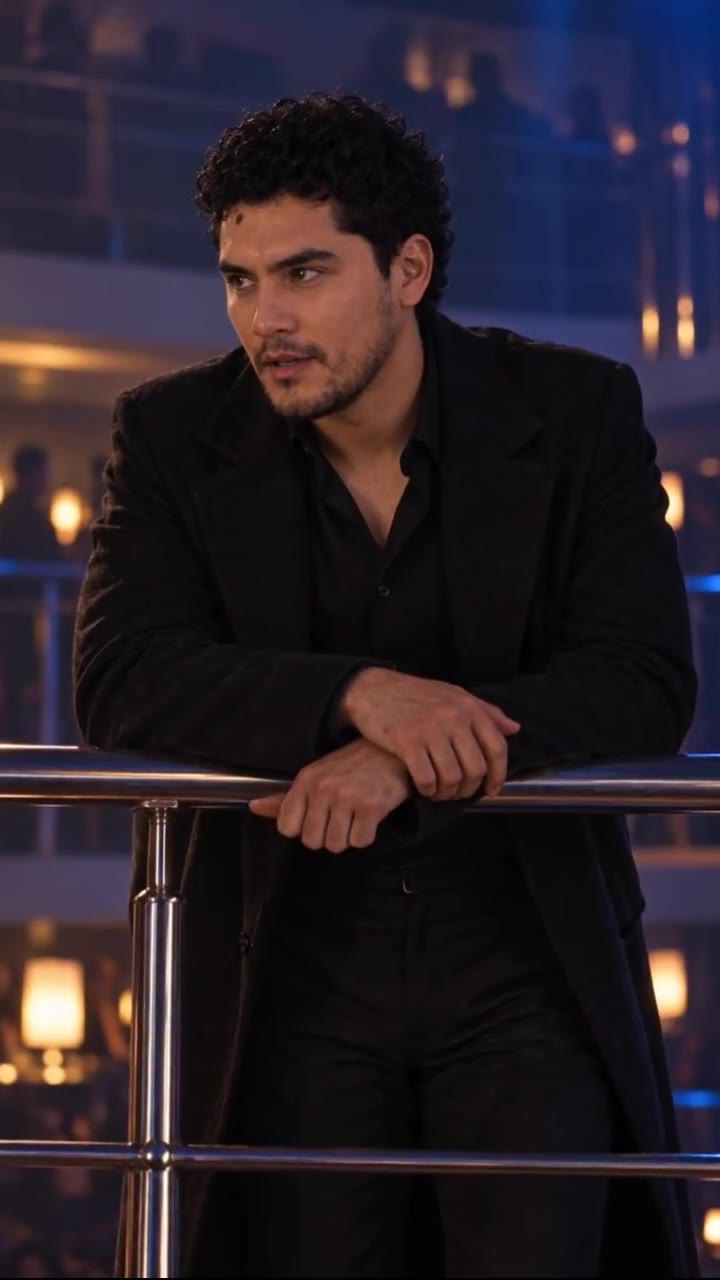 14s reference · 2 photos
Reveal
Cast two faces in the balcony-to-dance-floor reveal.
Use this template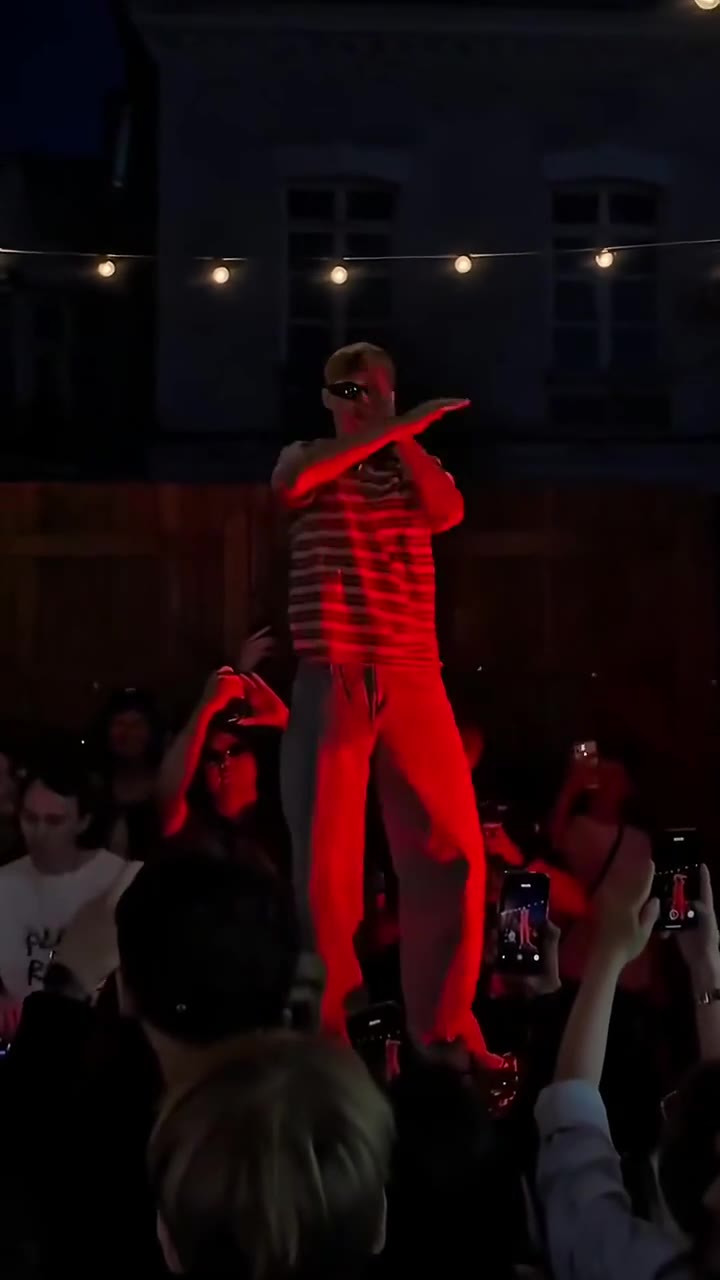 15s reference · 1 photo
Dance
One portrait leads the fast-arm dance on the red stage.
Use this template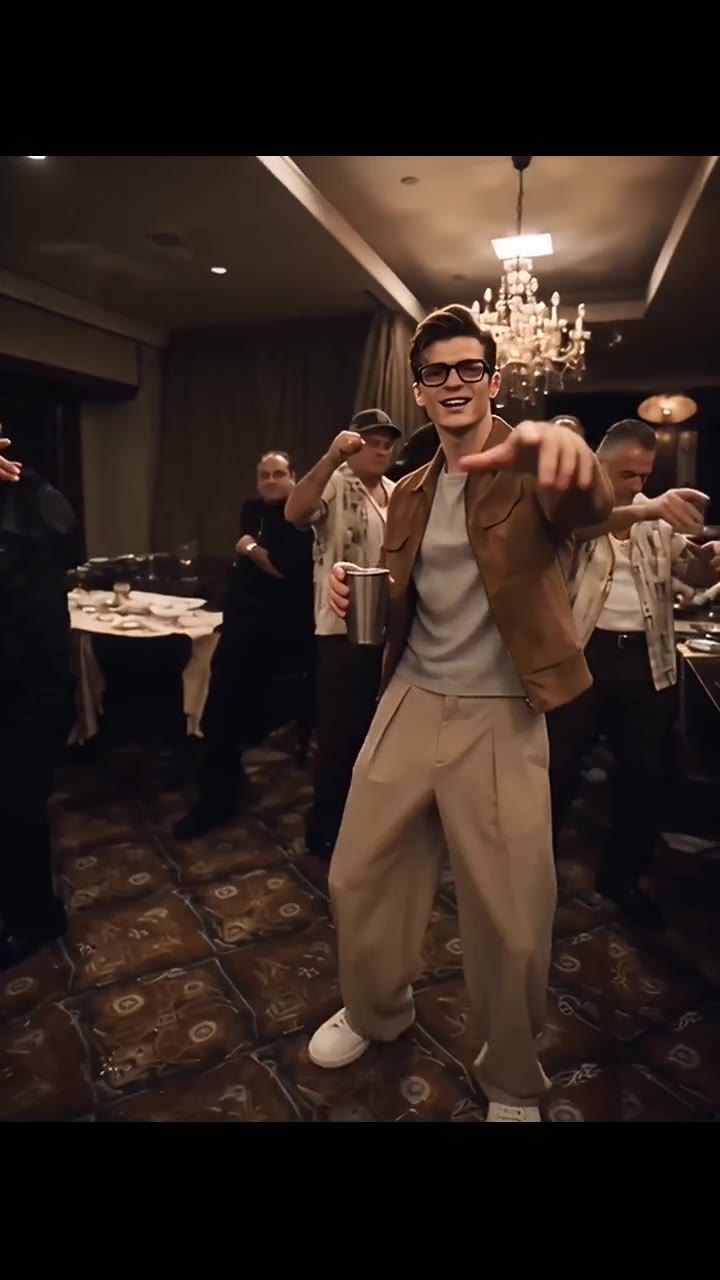 15s reference · 1 photo
Performance
One face leads the cup-and-gesture party performance.
Use this template